


2022
01-12
01-12
Flutter listview如何实现下拉刷新上拉加载更多功能
目录下拉刷新RefreshIndicator上拉加载更多总结:下拉刷新在Flutter中系统已经为我们提供了googlematerialdesign的刷新功能,样式与原生Android一样.我们可以使用RefreshIndicator组件来实现Flutter中的下拉刷新,下面们还是先来看下如何使用吧RefreshIndicator构造方法:constRefreshIndicator({Keykey,@requiredthis.child,this.displacement:40.0,//触发下拉刷新的距离@requiredthis.onRefresh,...
继续阅读 >
 在项目开发中我们可能会碰到圆角ListView效果,因为直角的看起来确实不那么雅观,可能大家会想到用图片实现,试想上中下要分别做三张图片,这样做太繁琐,这时使用shape来实现不失为一种更好的实现方式。先看一下Android中Shape的使用方法:solid:实心,就是填充的意思android:color指定填充的颜色gradient:渐变android:startColor和android:endColor分别为起始和结束颜色,ndroid:angle是渐变角度,必须为45的整数倍。另外渐变...
 Androidstudiolistview实现列表数据显示样式不好看!想要好看的样式可以私我,我加!item.xml<?xmlversion="1.0"encoding="utf-8"?><!--item--><LinearLayoutxmlns:android="http://schemas.android.com/apk/res/android"android:orientation="horizontal"android:layout_width="fill_parent"android:layout_height="fill_parent"><!--姓名--><TextViewandroid:layout_width="130dp"android:layout_height...
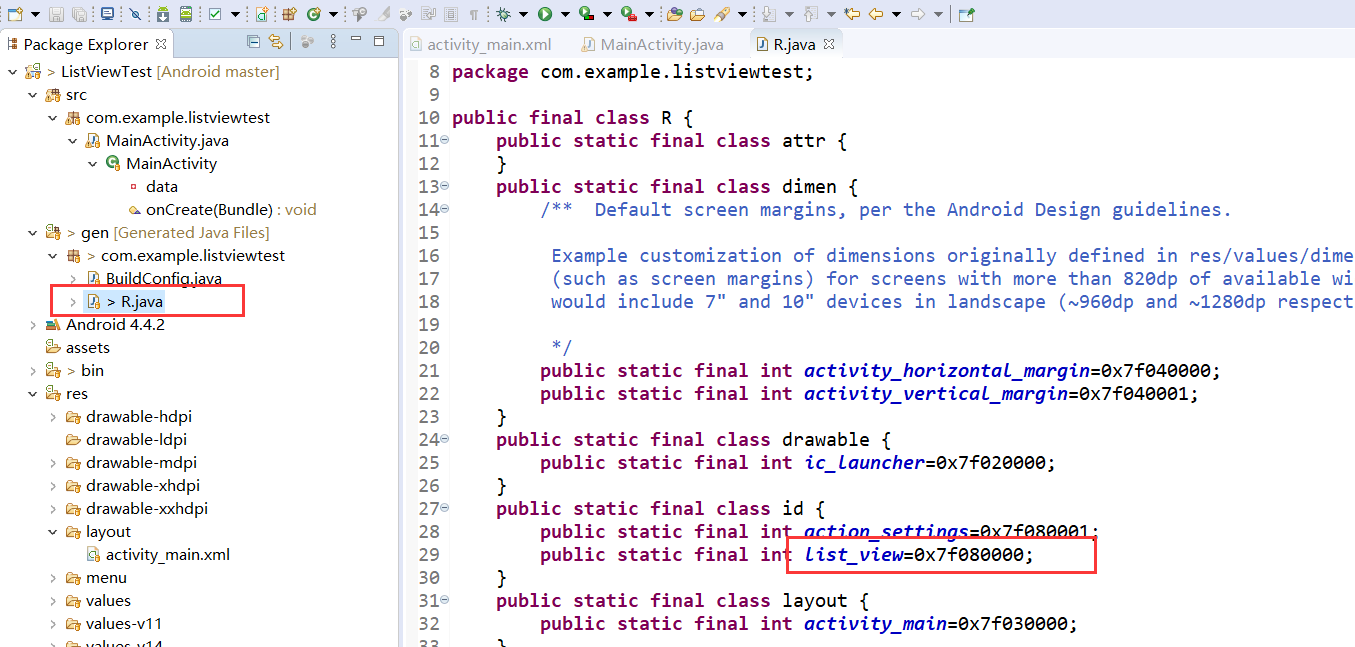 一、ListView该组件是android中最常用的一个UI组件,用于实现在屏幕上显示多个内容,以便于我们用手指来回翻转。先在layout中进行布局我们的组件<LinearLayoutxmlns:android="http://schemas.android.com/apk/res/android"android:layout_width="match_parent"android:layout_height="match_parent"><ListViewandroid:id="@+id/list_view"android:layout_width="match_parent"android:layout_height="m...