


2020
12-14
12-14
vue3.0实现插件封装
最近公司有一个新的项目,项目框架是我来负责搭建的,所以果断选择了Vue3.x+ts。vue3.x不同于vue2.x,他们两的插件封装方式完全不一样。由于项目中需要用到自定义提示框,所以想着自己封装一个。vue2.x提供了一个vue.extend的全局方法。那么vue3.x是不是也会提供什么方法呢?果然从vue3.x源码中还是找到了。插件封装的方法,还是分为两步。1、组件准备 按照vue3.x的组件风格封装一个自定义提示框组件...
继续阅读 >
 本文实例为大家分享了Vue实现简单购物车功能的具体代码,供大家参考,具体内容如下话不多少,上效果图代码如下:<!DOCTYPEhtml><htmllang="en"><head><metacharset="UTF-8"><title>Title</title><linkhref="https://cdn.bootcdn.net/ajax/libs/twitter-bootstrap/4.5.0/css/bootstrap.css"rel="stylesheet"></head><body><divid="app"><divv-if="books.length"><tableclass="tabletable-dark"><thead><tr>...
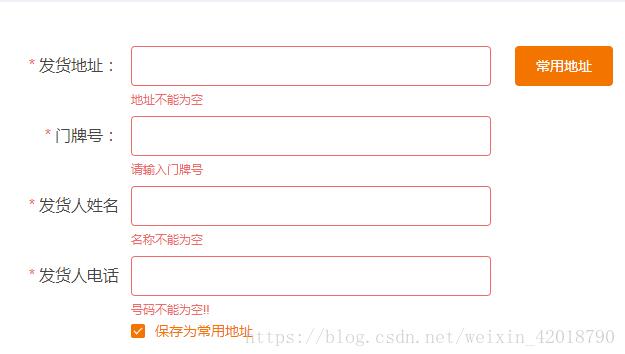 本文实例为大家分享了vue使用element-ui实现表单验证的具体代码,供大家参考,具体内容如下一、简单逻辑验证(直接使用rules)实现思路html中给el-form增加:rules="rules"html中在el-form-item中增加属性prop="名称"js中直接在data中定义rules:{}html部分<el-formref="form":rules="rules":model="form"label-width="300px"><el-form-itemlabel="发货地址:"prop="fAdderss"><el-inputclass="inp"v-model="fo...
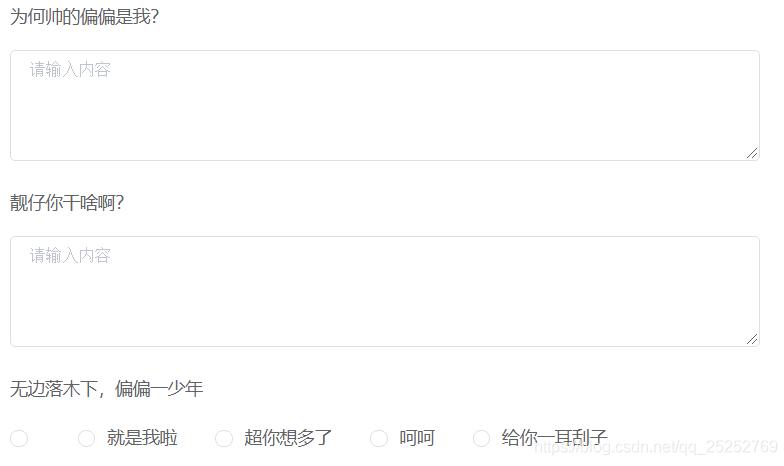 本文实例为大家分享了vue+element实现动态加载表单的具体代码,供大家参考,具体内容如下一、问卷动态加载表单//html<el-form:model="quesPaper"status-iconlabel-width="100px"label-position="top"size="small"v-loading="paperLoading"><el-form-itemv-for="ninpaperForm.answerList":label="n.questionRepository.question":key="n.key"><!--单选--><el-radio-groupv-model="n.optionId"v-if="n.questio...
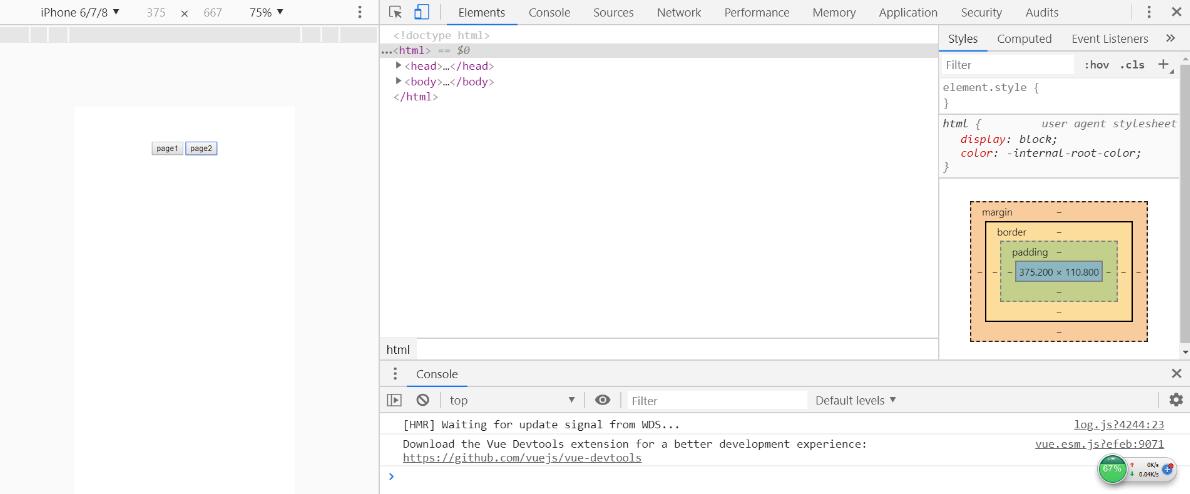 **解决的问题:**使用$attrs和$listeners实现祖孙组件之间的数据传递,也就是多重嵌套组件之间的数据传递。**注意:**本方法针对vue2.4版本及以上,使用$attrs和$listeners来实现的**解决方案:****首先创建父组件:**父组件用于动态数据的绑定与事件的定义<template><div><!--这里:one和:two是向后代组件传递数据--><child1:one="child1":two="child2"@test1="onTest1"@test2="onTest2"></child1></div></template...
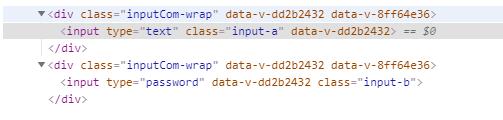 1、首先我们创建一个input组件<template><divclass="inputCom-wrap"><inputv-bind="$attrs"/></div></template><scriptlang="ts">import{defineComponent}from'vue'exportdefaultdefineComponent({inheritAttrs:false,//不希望根直接继承特性,而是使用$attrs自定义继承,当前组件的根就是inputCom-wrapsetup(){return{}}})</script><stylescoped></style>2、使用组件的时候,随便增加一些属性,如<inpu...
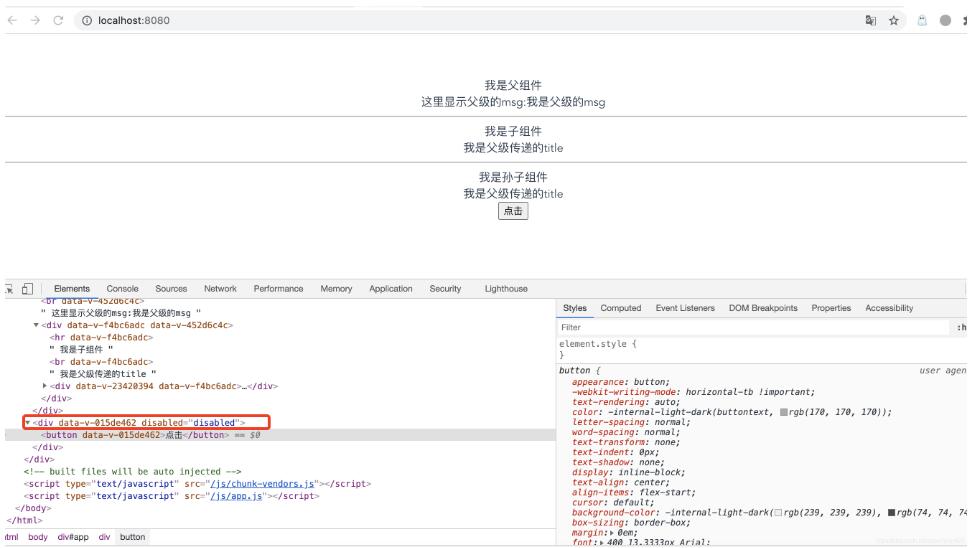 components/Button.vue<template><div><button:disabled="$attrs.disabled">点击</button></div></template><script>exportdefault{inheritAttrs:false,}</script><stylescoped></style>App.vue<template><divid="app"><Parent></Parent><Buttondisabled></Button></div></template><script>importParentfrom'./components/Parent'importButtonfrom'./components/Button';exportdefault{name:'...