


2020
10-08
10-08
vue中用 async/await 来处理异步操作
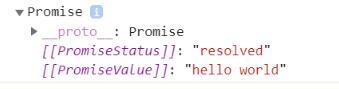 昨天看了一篇vue的教程,作者用async/await来发送异步请求,从服务端获取数据,代码很简洁,同时async/await已经被标准化,也是需要学习一下了。先说一下async的用法,它作为一个关键字放到函数前面,asyncfunctiontimeout(){return'helloworld';}只有一个作用,它的调用会返回一个promise对象。调用一下看看就知道了,怎么调用?async函数也是函数,所以它的调用和普通函数的调用没有什么区别,直接加括号调用就可以...
继续阅读 >
昨天看了一篇vue的教程,作者用async/await来发送异步请求,从服务端获取数据,代码很简洁,同时async/await已经被标准化,也是需要学习一下了。先说一下async的用法,它作为一个关键字放到函数前面,asyncfunctiontimeout(){return'helloworld';}只有一个作用,它的调用会返回一个promise对象。调用一下看看就知道了,怎么调用?async函数也是函数,所以它的调用和普通函数的调用没有什么区别,直接加括号调用就可以...
继续阅读 >
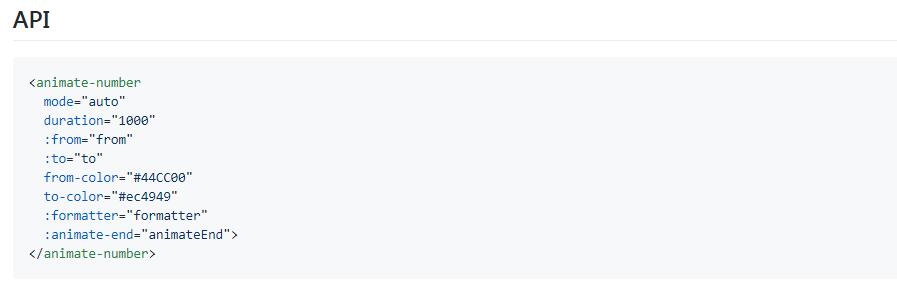 父组件<interval-number:number-content="blockHeight"v-if="blockHeight>0"></interval-number>importIntervalNumberfrom'./IntervalNumber.vue'components:{IntervalNumber,}子组件<template><spanclass="IntervalNumber">{{counter}}</span></template><script>exportdefault{name:'IntervalNumber',props:{numberContent:Number},data(){return{counter:this.numberContent,timeTicket:...
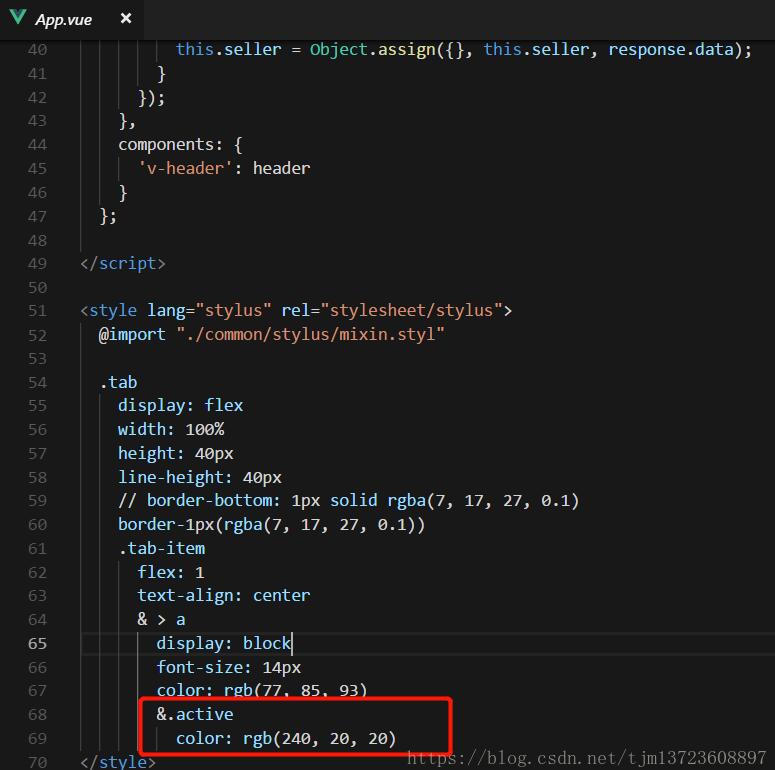 1.首先先写好类名2.在router里的js文件中添加linkActiveClass:'active'补充知识:记录vue遇到问题,子页面没有router-link对应导航栏激活样式如下所示:li><router-linkto="/basicSearch":class="{'link-active':linkBoolean}">基础检索</router-link></li>data(){return{imgUrl,linkBoolean:false}},created(){if(this.$route.path=="/storeDetails"||this.$route.path=="/utxoDetails"||this.$ro...
 我就废话不多说了,大家还是直接看代码吧~<form@submit="add"><!--表单--></form>add:function(e){//阻止页面刷新e.preventDefault();//逻辑代码},补充知识:@submit.prevent阻止默认事件提交例如:以上这篇解决Vue@submit提交后不刷新页面问题就是小编分享给大家的全部内容了,希望能给大家一个参考,也希望大家多多支持自学编程网。...
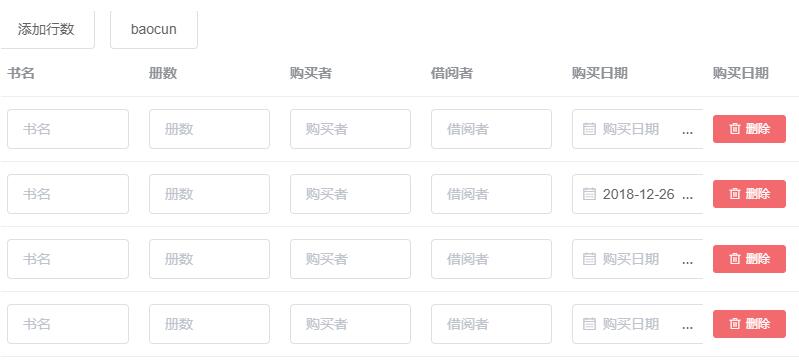 1.表格动态添加,也可删除<template><divclass="TestWord"><el-button@click="addLine">添加行数</el-button><el-button@click="save">保存</el-button><el-table:data="tableData"style="width:100%"><el-table-columnprop="bookname"label="书名"><templateslot-scope="scope"><el-inputv-model="scope.row.bookname"placeholder="书名"></el-input></template></...
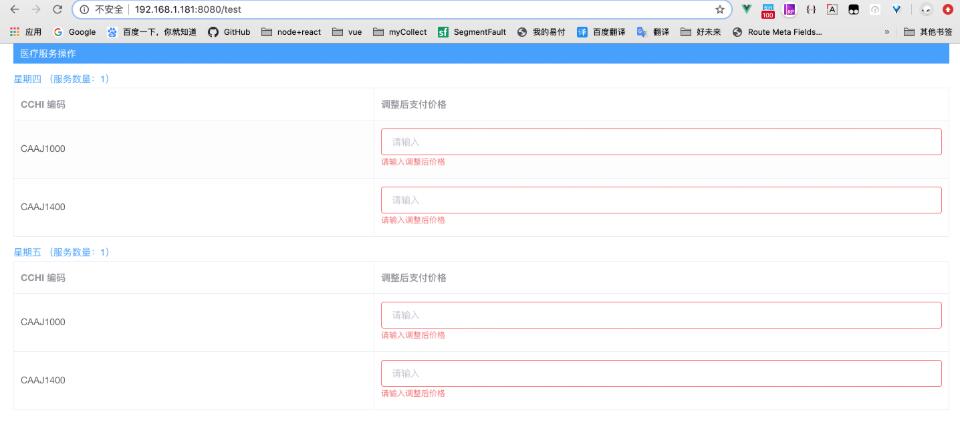 官网原话Form组件提供了表单验证的功能,只需要通过rules属性传入约定的验证规则,并将Form-Item的prop属性设置为需校验的字段名即可。表单el-form表单必备以下三个属性::model="ruleForm"绑定的数据内容:rules="rules"动态绑定的rules,表单验证规则ref="ruleForm"绑定的对象template模块其实问题关键就在于如何给el-form-item动态绑定prop:prop="'tableData.'+scope.$index+'.字段名'"<template><divclass="Tes...
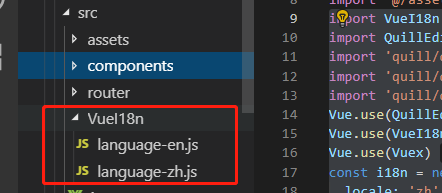 vue中使用vue-i18n兼容多国语言1.安装:npminstallvue-i18n--save-dev2.在main.js文件中引入:importVueI18nfrom'vue-i18n'Vue.use(VueI18n)//通过插件的形式挂载,通过全局方法 Vue.use() 使用插件consti18n=newVueI18n({locale:'zh',//语言标识//this.$i18n.locale//通过切换locale的值来实现语言切换messages:{'zh':require('./VueI18n/language-zh'),//'en':require('./VueI18n/langu...
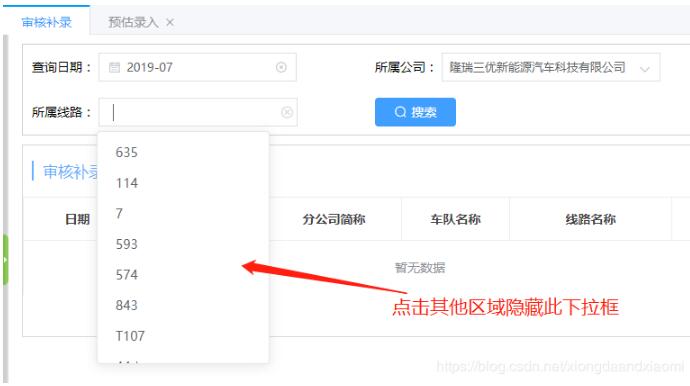 方法一:在外层div添加事件@click="closeSel"htmlmethodcloseSel(event){varcurrentCli=document.getElementById("sellineName");if(currentCli){if(!currentCli.contains(event.target)){//点击到了id为sellineName以外的区域,隐藏下拉框this.listLineUl=false;}}}方法二、element.addEventListener(event,function,useCapture)mounted中document.addEventListener('click',e=>{if(...
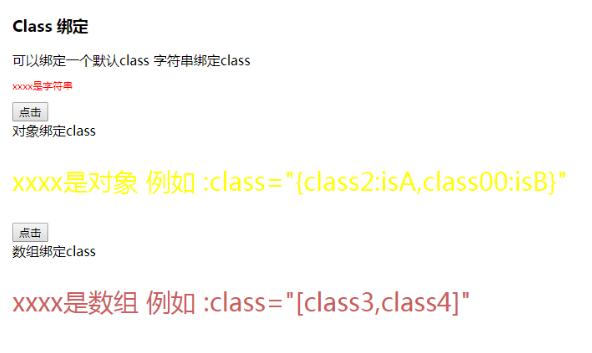 需求:在页面上显示四个列表,初始时字体为黑色。鼠标点击某一个列表时,该列表的颜色变为红色,其余列表仍为黑色。代码实现:<!--css--><style>.red{color:red;}</style><!--html--><divid="app"><ul><liv-for="item,indexinmovies":class="{red:changeRed==index}"v-on:click="change(index)">{{item}}</li></ul></div><!--JavaScript--><scriptsrc="../JS/vue.js"></script><script>constapp=newVu...
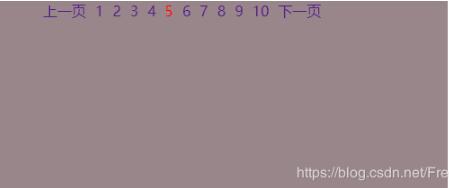 如下所示:<!--分页上下页改变背景图效果--><!DOCTYPEhtml><html><head><metacharset="utf-8"><metahttp-equiv="X-UA-Compatible"content="IE=edge"><title></title><linkrel="stylesheet"href=""><scripttype="text/javascript"src="../node_modules/vue/dist/vue.js"></script><styletype="text/css"media="screen">.page{list-style:none;}.page>li{float:left;margin-left:10px;}.pag...
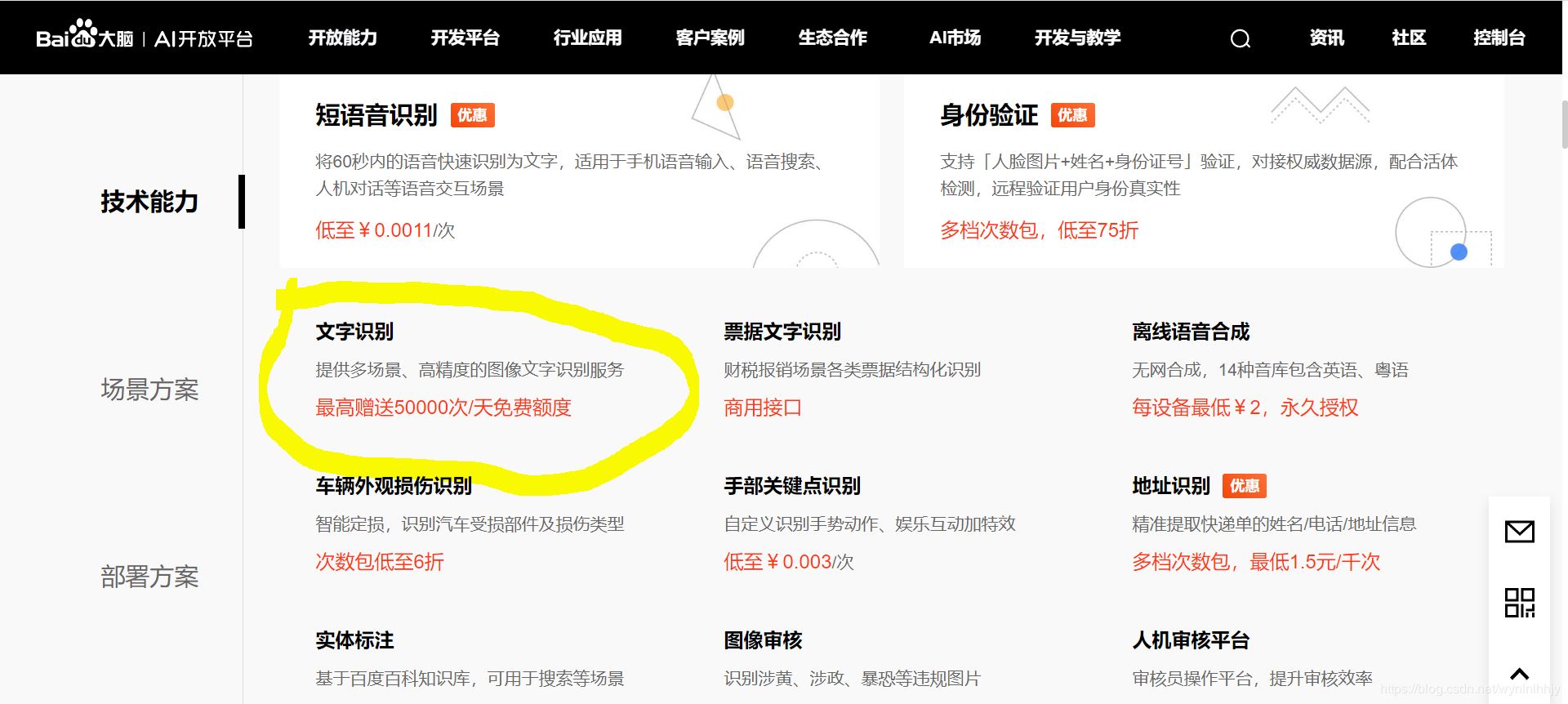 一、在vue-cli的框架下的main.js(或者main.ts)中引入高德插件,代码如下:importVuefrom'vue'importVueAMapfrom'vue-amap'importElementUIfrom'element-ui'importAppfrom'./App.vue'importrouterfrom'./router'importstorefrom'./store'import'./registerServiceWorker'Vue.use(VueAMap)Vue.use(ElementUI)VueAMap.initAMapApiLoader({//高德的keykey:'你的高德key',//插件集合plugin:['AMap.Autocomp...
 在v-bind:class上绑定索引函数<divv-for="(shop,index)inshoplist"style="max-width:20rem;"v-bind:class="calculate(index)">calculate(index)此处必须添加index参数data(){return{colorList:['primary','danger','secondary','info']}},methods:{calculate(index){varnm=this.colorList[Math.floor(Math.random()*this.colorList.length)];return"cardmb-3col...
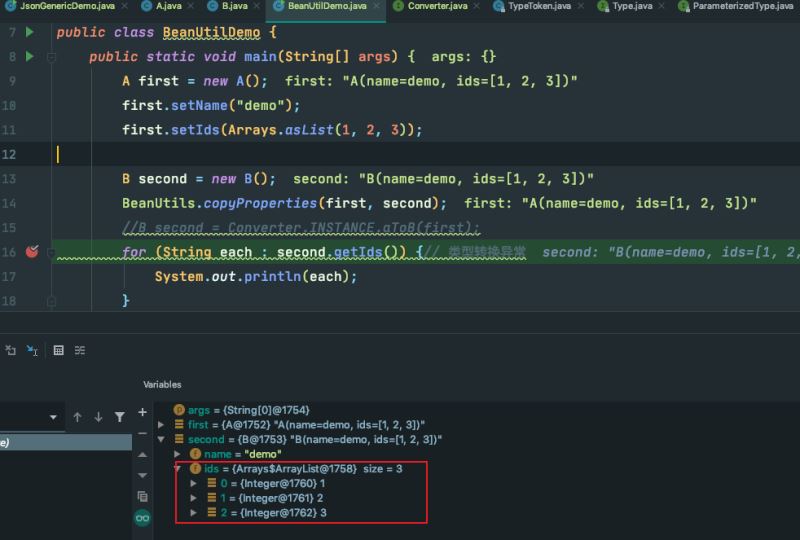 单身和已婚不能同时选中,不了解保险和已了解保险不能同时选中。同时各个标签点击可以取消选择//html<li><spanclass="fill-title">与我相关</span><div><van-buttonv-for="(item,index)inmyself":key="index"@click="checkButton('myself',item.id)":class="item.isFlag?'current':''">{{item.title}}</van-button></div></li><li><spanclass="fill-title">标签</span>...